

See how crypto gateways work and choose the right way to accept digital currency.
A merchant payment is money a business receives from a customer for goods or services. The term covers card purchases, bank transfers, digital wallets, and other ways to pay. In plain terms, merchant payment meaning is the process of accepting and managing customer funds.
Payments can happen in a shop, on a website, in an app, or at a customer’s location. A smooth checkout helps customers complete purchases and gives the business a clear sales record. The right setup also affects fees, cash flow, refunds, and the time staff spend handling payments.
Some businesses use a merchant account to receive card funds. Others use a provider that combines the account with payment tools. Before signing up, check how fees work, when funds arrive, and what rules apply to refunds and disputes.
The details shape daily cash flow.

Merchant payment services help a business accept, check, and track payments. Many providers bundle several tools, but not every business needs every feature. Start with the ways customers pay today, then add tools when sales needs change.
Some services add refunds, sales reports, staff access, and fraud checks. A retailer that sells both online and in person may value one view of sales across channels. A service firm may need recurring billing and alerts when a scheduled payment fails.
QR payments offer another way to pay. With merchant QR code payment, a customer scans a code to open a payment page or bank app. The business should check how the provider confirms payment and handles refunds before relying on this method.
Choose tools around real sales needs, not a long list of unused features.
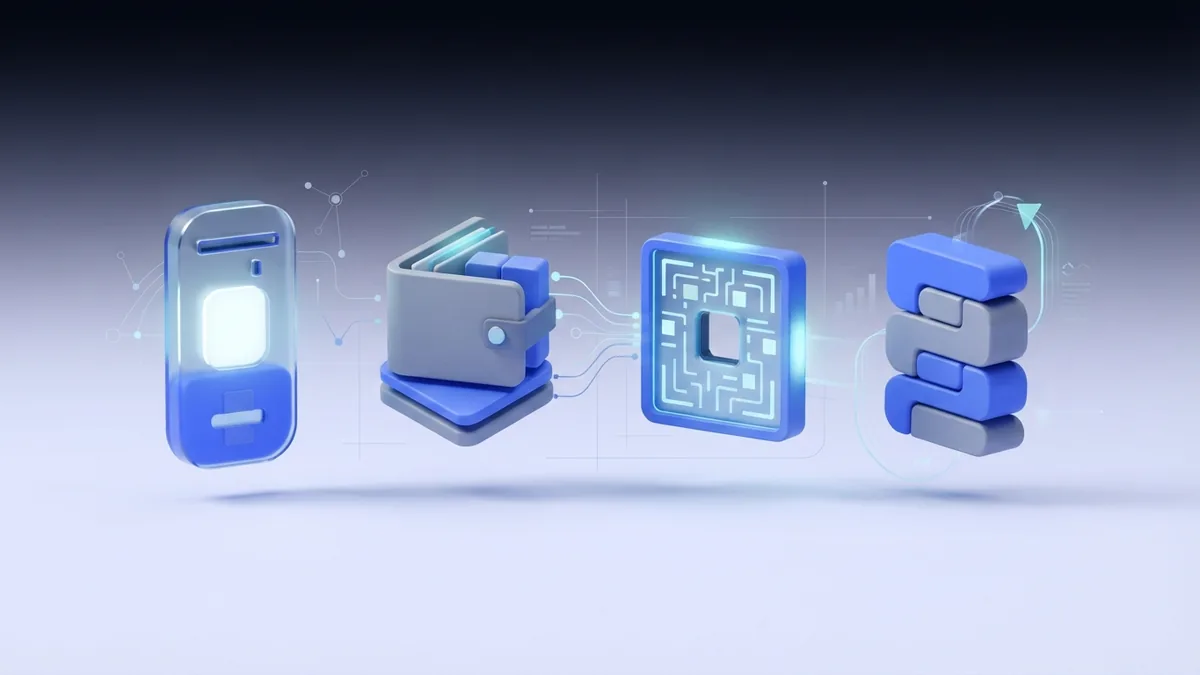
A merchant payment gateway sends payment details from checkout to the payment provider. It helps protect those details while the payment is checked. Online, it may be a hosted checkout or a feature built into a website. In a shop, a reader sends the request through the provider’s system.
The merchant in payment gateway flow is the business that accepts the customer’s payment. The gateway carries the request, but it does not itself decide whether the bank will approve it. It returns the result to checkout so the business can confirm the sale or ask for another payment method.
Merchant payment gateways can support different sales channels and payment types. A virtual merchant payment gateway usually means a web-based gateway used to take payments without a physical checkout. Check that the service works with your site, shopping cart, and chosen payment methods.
Gateway services may be sold with payment processing and payment acquiring. Acquiring connects a business to card networks and helps move approved card funds toward the business. Merchant payment acquiring services may include account setup, card processing, settlement, and support. Ask which of these are covered by the quoted price.
A card payment network carries card payment messages between the parties involved. It is not the same as the gateway or the acquiring provider. These roles can sit behind one bundled service, so ask who handles each part.
Compare all fees, not just the headline rate.

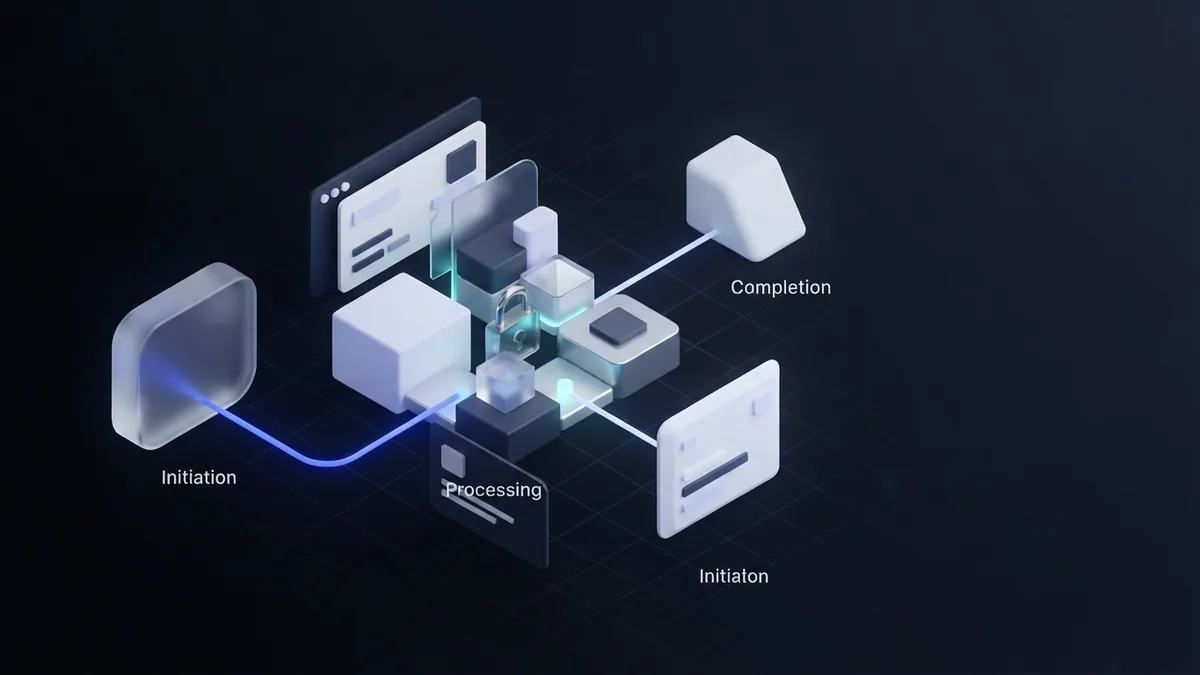
The merchant payment process begins when a customer chooses a way to pay. The business sends a request through its reader, website, or app. A provider checks the request and passes it to the bank or card network for a decision.
Approval does not mean funds reach the business at once. Providers may group payments and pay them out on a set schedule. Refunds, fees, and disputes can also change the final amount.
Match payout reports against sales records on a set schedule. This helps staff spot missing payments, refunds, or reversals before they cause larger record gaps. Ask the provider how long settlement usually takes and what can delay it.
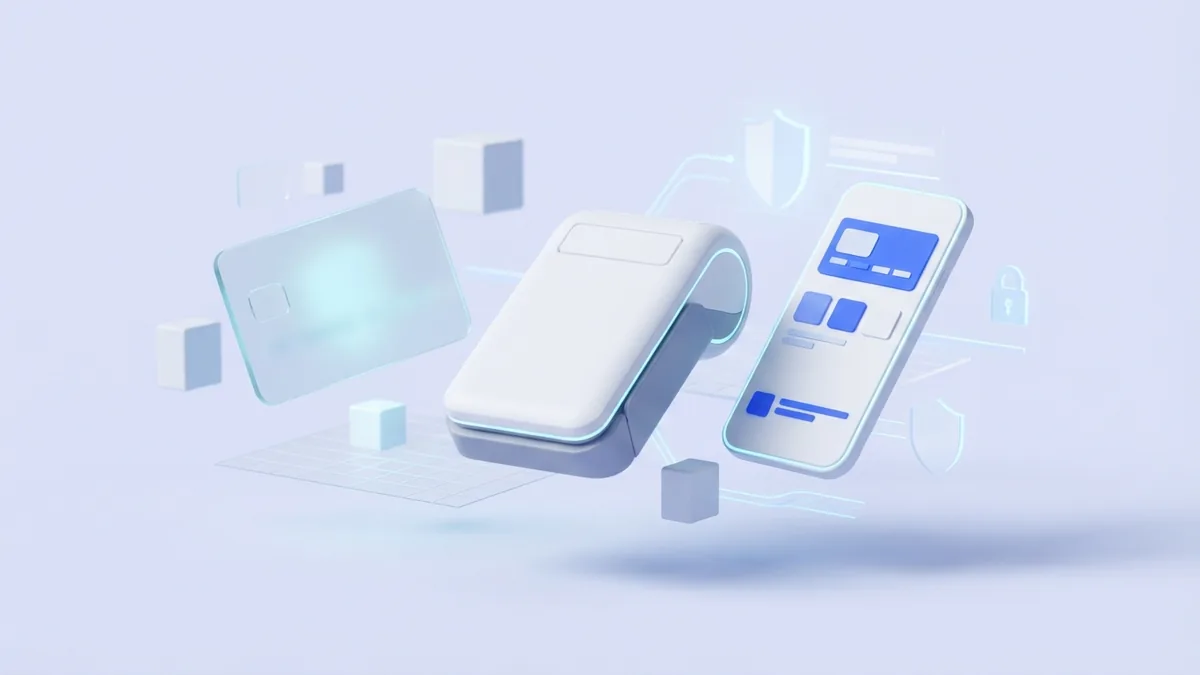
Mobile merchant payment tools let staff take payment where a sale happens. A phone or tablet can pair with a small reader, or accept contactless payments directly. This suits market sellers, tradespeople, delivery teams, and businesses that serve customers at their premises.
Mobile tools can shorten queues and reduce the need to carry cash. They can also send a receipt by email or text, where the provider supports it. A team can use the same setup for sales on site, at events, or during home visits.
Check device support, network needs, battery life, and fees before choosing. Staff should know what to do if a signal drops or a payment is declined. The service should also let the business review sales and issue refunds securely.
Mobile payment works best when it fits the way staff serve customers.
Start by listing where customers pay and which methods they ask to use. Include in-store, online, mobile, recurring, and bill payments where they apply. Then compare providers against the tools and support your business needs each day.
A connected merchant payment ecosystem can bring sales channels, records, and payment tools together. But a single provider is not always the best choice. Compare the time saved against fees, limits, and the risk of relying on one service.
Look for a clear fee list and a useful support path. Ask for examples based on your likely sales volume, average payment size, and refund rate. A small trial can show whether the checkout is easy for both customers and staff.
An instant merchant payment may mean a fast approval or a quick payout. These are different events. Confirm what the provider means by “instant,” since funds can still face bank or settlement delays.
Short answers to the questions we hear most. Can't find yours? Talk to our team.
Question 01 of 05
Merchant payment means a business accepts money from a customer for goods or services. It can happen in person, online, or through a mobile payment tool.
Question 02 of 05
A gateway sends payment details from checkout to a payment provider and returns the result. It does not make the bank’s approval decision.
Question 03 of 05
A gateway passes payment details between checkout and the provider. Acquiring connects the business to card networks and helps settle approved card funds.
Question 04 of 05
Yes. A customer can scan a merchant’s QR code to open a payment page or bank app. The business should confirm payment before completing the sale.
Question 05 of 05
Compare supported payment methods, full fees, payout timing, tool fit, and customer support. Choose services that match how and where customers pay.
Still unsure? Ask a payment expert