

Compare processor types, fees, security, and support for your business.
A payment processor moves payment details between a customer, a business, banks, and card networks. It checks whether a payment can proceed, then routes the request for approval. After approval, it helps move funds to the business.
For an online shop, the processor works behind the checkout. For a store, it may connect to a card reader. A merchant payment processor can also handle invoices, subscriptions, and digital wallets.
The processor is not the bank that holds a customer’s money. It links the parties and manages key steps. Its payment processor services may include fraud checks, payment records, refunds, and settlement reports.
A simple payment processor definition helps separate its role from other services. The processor routes payment data and helps manage the flow of funds. A gateway, by contrast, collects payment details at checkout and sends them securely onward.
These parts work together. Each has a distinct role.
A card payment can receive approval in seconds. The transfer of funds often takes longer. Here is the usual path for an online card purchase.
An approval does not mean funds have reached the business account. It means the bank has agreed to the request, often by setting funds aside. Settlement follows later. Timing depends on the provider, payment type, and account terms.
ACH payments follow a different route. An ACH payment processor sends bank-to-bank instructions through the Automated Clearing House network. These payments can suit rent, invoices, and subscriptions. They may take several business days to clear, and returned payments can lead to fees.
Some businesses need a recurring payment processor for scheduled charges. This can help with memberships and monthly services. Check how the provider handles failed charges and customer updates.
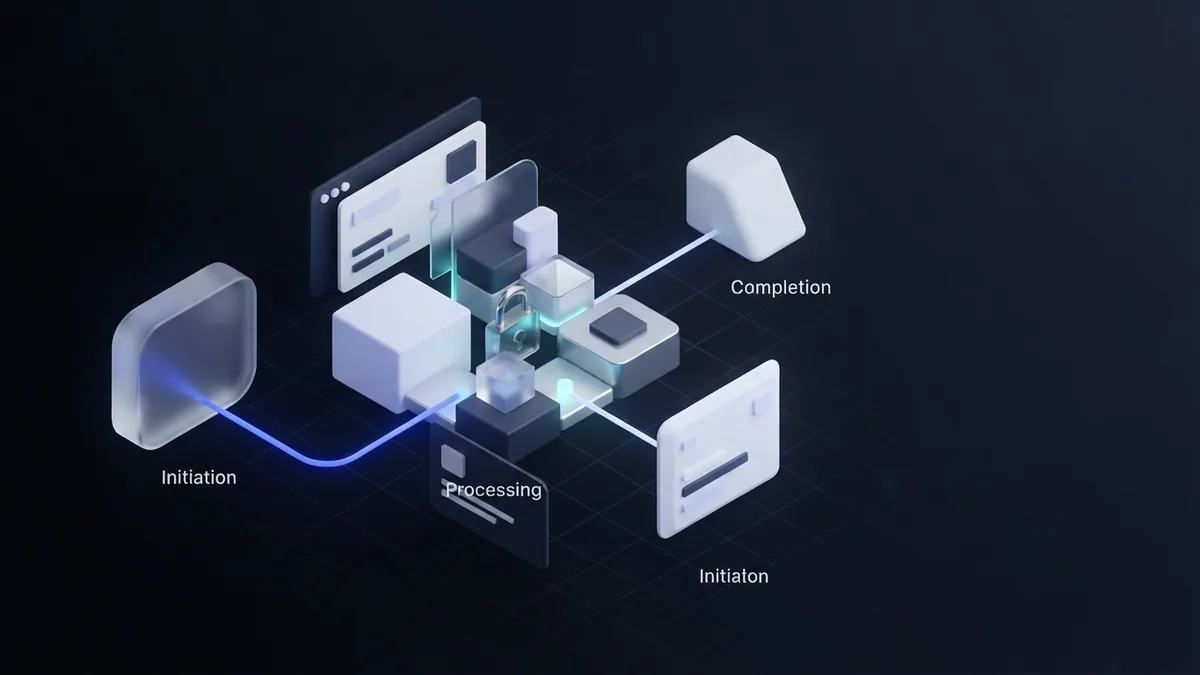
A credit card payment processor handles card payments through card networks. It may support in-store readers, online shops, or both. A separate ACH processor handles transfers between bank accounts.
Some providers serve many businesses through a shared platform. Others give each business its own merchant account and set terms based on sales. Shared platforms can be quick to set up. A dedicated account may offer more control over fees and service.
Payment processor examples include services that bundle online checkout, card processing, and bank transfers. The right choice depends on sales channels, payment types, and customer needs. Do not judge a provider by its name alone.
Some services support digital wallets and recurring charges. Others focus on in-person sales or bank payments. A crypto payment option is useful only if customers want to pay that way and the business can manage its risks.
There is no single best type for every business. A local shop may need card reader support. A subscription firm may value repeat billing and saved payment details. Online businesses should check that the service fits their site platform and sales regions.

A payment gateway collects payment details at checkout and sends them to the processor. It acts as a secure link between the customer-facing checkout and the payment service. The processor then routes the request to banks and networks.
Some providers bundle the gateway and processing in one service. Others let a business choose them separately. A bundled service can be simpler to set up. Separate tools may offer more choice, but they can need extra setup and testing.
When deciding how to choose a payment gateway, check your site platform, payment types, and checkout needs. Confirm that the gateway and processor work together. Also ask who handles data security, fraud checks, refunds, and support.
For a payment processor for a website, test the full payment path before launch. Run a low-value test payment, review the receipt, and check the refund flow. This can catch setup issues before customers reach checkout.
A payment processor gateway setup should be easy to track. Know which provider handles each step. That makes it easier to find the cause of a failed payment.

Start with the ways your customers want to pay. List the card types, bank transfers, and wallets you need now. Then check which providers support them in each sales region.
Next, compare total costs, not just the advertised rate. Ask about monthly charges, per-payment fees, refunds, chargebacks, and extra costs for cross-border sales. Review the payout schedule too. Fast access to funds may matter more than a small rate cut.
Check the software and setup steps. A payment processor integration should work with your store platform, accounting tools, and order flow. If you need custom features, ask about the payment processor API (a way for software systems to share data). Test the process in a safe setting before launch.
Read payment processor reviews with care. Look for repeated reports about support, payout delays, account holds, or hard-to-use tools. Ask providers for terms in writing, then compare the details side by side.
A useful payment processor comparison weighs these needs against your sales pattern. A low rate may not help if the provider lacks key payment types. Choose a service that fits how you sell today and can support likely growth.

Processing fees often include a fixed amount and a share of each payment. Rates can vary by card type, sale channel, risk, and provider. Ask for a clear fee list before signing up.
Interchange fees are set by card networks and paid to the card-issuing bank. The processor may also charge its own fee. Some providers show one combined rate, while others list each fee apart.
Other costs may apply to monthly service, chargebacks, refunds, currency exchange, or cross-border payments. ACH fees may use a different price model from card fees. Compare the cost of your likely payment mix, not one sample sale.
The cheapest payment processor is not always the lowest-cost choice over time. Slow payouts, poor support, or missing payment options can create costs of their own. Ask for a sample statement based on your expected sales.
A secure payment processor should protect data at each step. Look for encryption, which scrambles data as it moves between systems. Ask how the provider limits access to payment details and spots unusual activity.
Card services should meet PCI DSS rules, the card industry’s data safety standard. The PCI Security Standards Council’s PCI DSS standards explain the shared baseline for protecting card data. Check what tasks remain yours, since a provider cannot remove every duty from the business.
Fraud detection can flag risky payment patterns before losses grow. Ask how the service handles alerts, disputes, and card checks. Strong security should help reduce risk without blocking too many real customers.
Good payment tools make the process clear. Check fees, support, security, and fit before you decide. Then test the setup before taking live payments.


Short answers to the questions we hear most. Can't find yours? Talk to our team.
Question 01 of 05
A payment processor routes payment details between a business, banks, and card networks. It helps secure approval and move funds to the business.
Question 02 of 05
A gateway collects payment details at checkout and sends them onward. A processor routes the request to banks and networks.
Question 03 of 05
No. Card payments run through card networks, while ACH payments move between bank accounts. Their costs and clearing times can differ.
Question 04 of 05
Common costs include processing and interchange fees. Providers may also charge monthly, refund, chargeback, or cross-border fees.
Question 05 of 05
Check supported payment methods, total fees, payout timing, security, and fit with your site tools. Test checkout and refunds before launch.
Still unsure? Ask a payment expert