
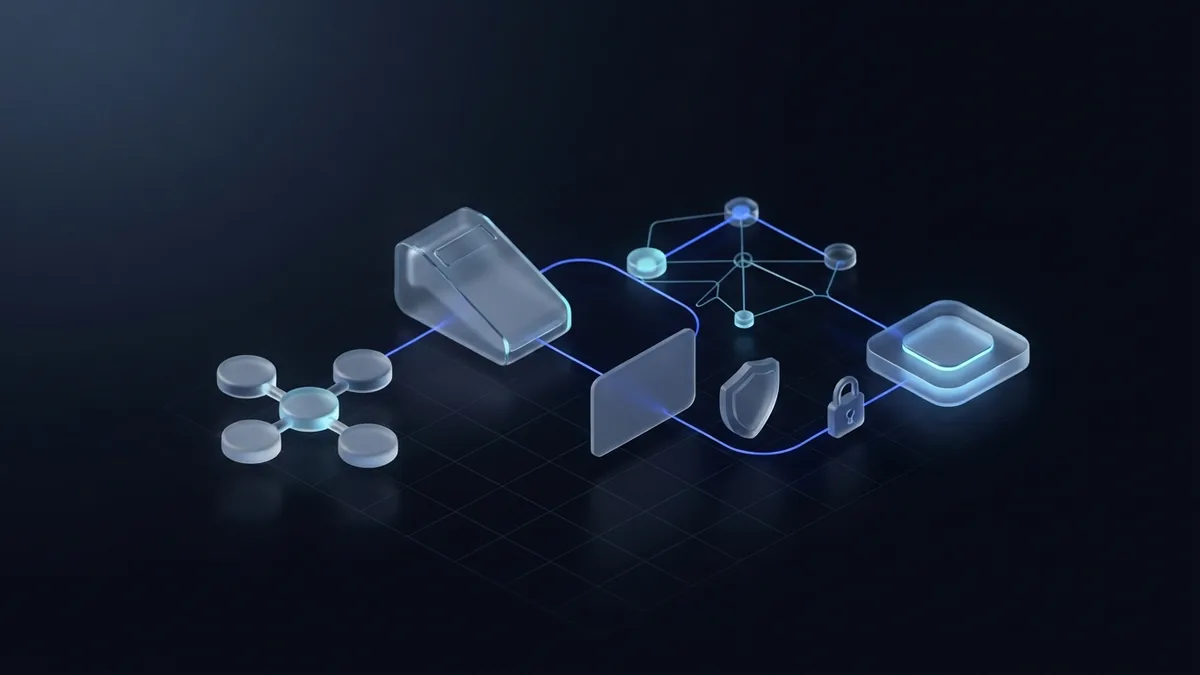
Compare payment tools, fees, security, and features for your business.
Credit card payment terminals let businesses take card payments in person or online. They read a chip, tap, or swipe, then send a request for approval. The right setup depends on where you sell and how customers pay.
A terminal is one part of credit card payment processing. A provider routes each request to a card network and the customer’s bank. They check the payment and return an approval or decline. Funds then move to your business account, often after a short delay.
Credit card payment processing services may bundle a reader, payment tools, and sales reports. Other providers let you choose each part. Compare the full cost and workflow, not just the device price.
Some firms need one fixed checkout device. Others need mobile credit card payment processing at markets, tables, or service calls. Online sellers may need a secure checkout page or virtual terminal.
Countertop terminals suit shops, salons, and cafes with a set checkout area. They connect through the internet or, in some cases, a phone line. Many take chip, tap, and swipe payments. Some also link to a receipt printer or POS system.
Mobile terminals use a handheld reader or phone-based tool. Staff can take payment at a table, on delivery, or at an event. Many connect through Wi-Fi or cellular service. Check coverage before you rely on a reader away from your store.
Virtual terminals run in a browser or payment app. Staff enter card details for approved phone or mail orders. This differs from online checkout, where customers enter their own details. Virtual card payment processing can suit remote sales, but staff must follow safe data handling steps.
An online payment gateway links a website or app to a payment provider. It sends card details for approval and returns the result. Ask if the gateway is included or has a separate fee. A credit card payment processing gateway should also work with your site and checkout tools.
Match the device to the way you sell. A shop with one till may not need the same features as a gym, delivery team, or online store.
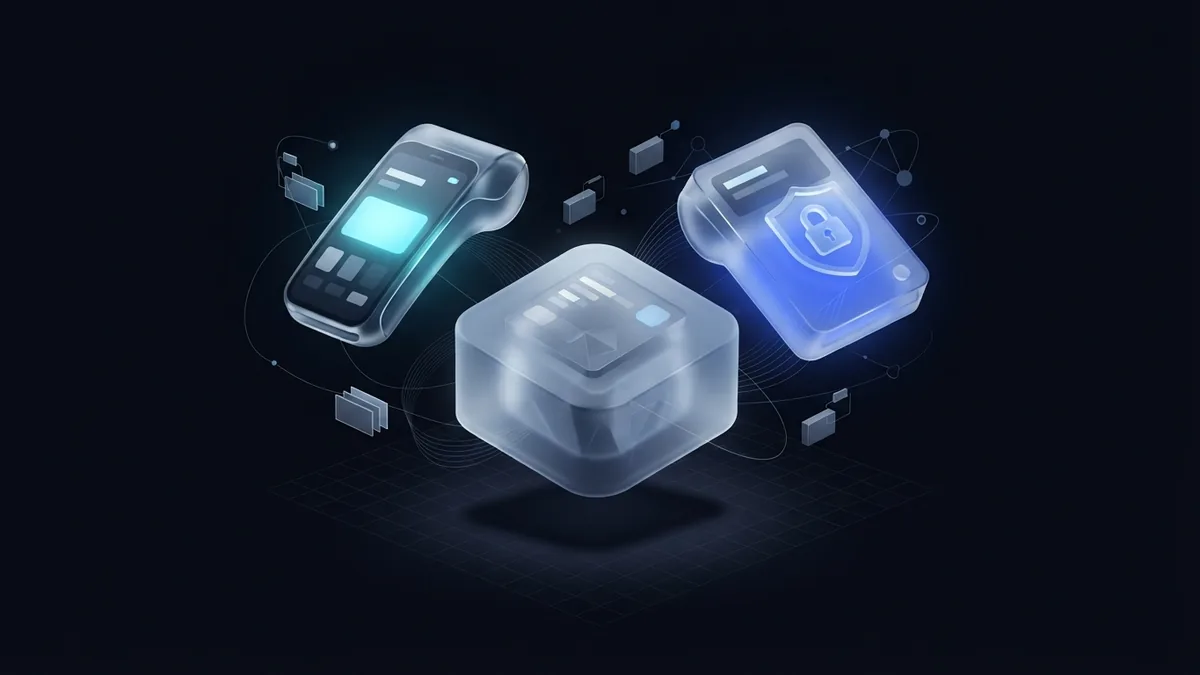
Start with speed and ease of use. A clear flow helps staff finish sales with fewer delays and mistakes. Test common tasks, such as taking a tap payment, issuing a refund, and closing a till. The best credit card payment processing setup is the one your team can use well.
Security matters at every checkout. Look for chip and contactless support, safe data handling, and clear steps for lost devices. Ask how the provider helps your business meet card security rules. The PCI Security Standards Council’s standards set a baseline for protecting payment data.
Check how the terminal works with your other business tools. It may need to share sales data with stock, accounting, booking, or loyalty software. Confirm which links come with the plan and which cost extra. Credit card payment processing software should make daily tasks easier, not add more steps.
Review reports, staff access, refund tools, and support for more than one location. Ask what happens if the internet or device fails. Clear support hours and a direct way to reach a person can matter during a busy shift.
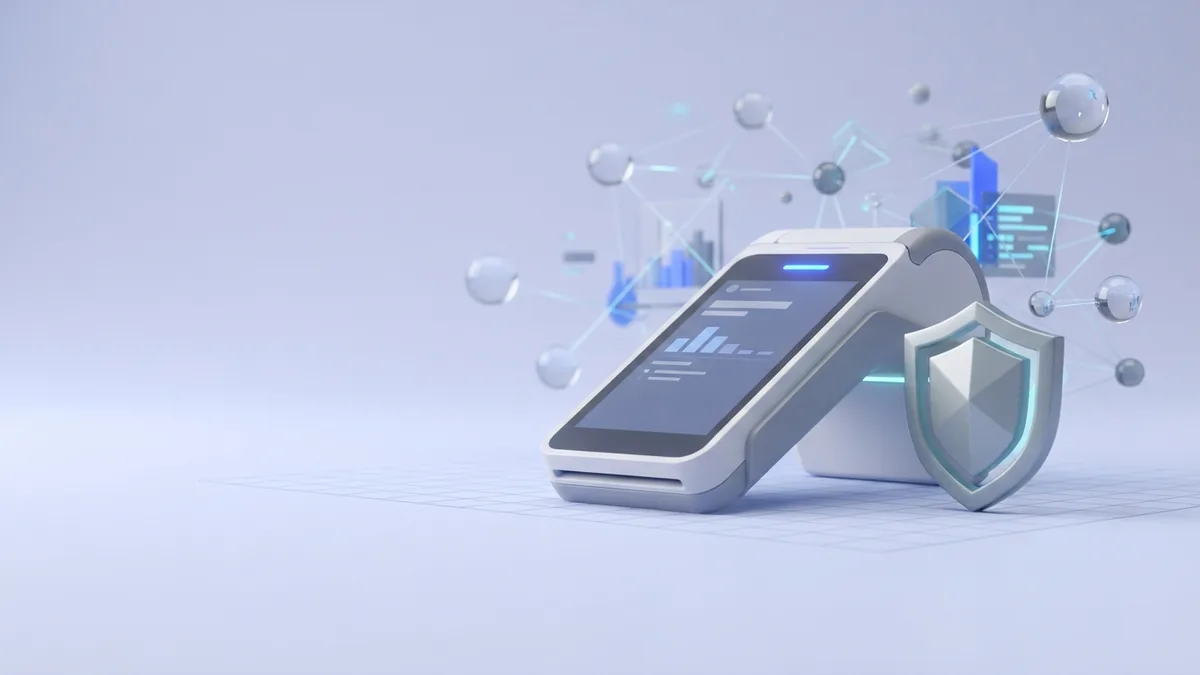
A good terminal can make checkout faster and more flexible. Customers can tap, insert, or swipe, based on the options the device supports. Mobile readers bring payment to the customer. That can help staff serve more people at events or on the road.
Payment records are easier to track than paper slips. Many systems store totals, refunds, and sales by time or staff member. Owners can use these reports to spot busy hours and check daily takings. It also helps them review payment fees over time.
Some systems link payments with stock or bookings. That can cut duplicate entry and give staff a clearer view of each sale. Test the full flow before you rely on the link. A terminal cannot fix every checkout problem, though.
Staff still need a simple plan for tips, refunds, and declined payments. Clear receipts and a backup plan help when a payment does not go through. These small steps can improve the customer experience.
Square, PayPal, and Clover are well-known options, but their offers differ by device, plan, and location. Square often suits smaller sellers who want a simple setup. PayPal may suit firms that already use its payment tools. Clover offers different devices and plans through its sales channels.
Compare providers by the full cost of taking payments. Look at transaction fees, monthly rates, hardware costs, and any charge for extra features. Ask how long funds take to reach your account and what support is included. A low device price may not mean a low total cost.
Check whether the provider supports the ways your customers pay. Debit card payment processing usually runs through the same checkout device as credit cards, but rates and rules can vary. ACH payments use bank account details, not a card. If you need both, ask whether one credit card payment processing system can manage them.
Recurring credit card payment tools can bill customers on a set schedule. They may suit memberships or subscription services. Compare them with direct debit, which pulls funds from a bank account. The right choice depends on customer habits, fees, and how you handle failed payments.
For cross-border sales, ask about currency support and added fees. International credit card payment processing may involve extra steps and costs. Confirm the provider accepts cards from your target markets before you sign up. Do not assume every online card payment service works in every country.
Start by listing where and how you take payments. A fixed shop may need a countertop reader and POS link. A service team may need mobile readers for several staff. An online seller may need a gateway, while phone orders can call for a virtual terminal.
Next, estimate your monthly sales and average payment size. Use those figures to compare fees and monthly costs. Ask each provider to explain extra charges in plain terms. Include hardware, support, refunds, and any early exit fee in your review.
Try the device before you commit, if possible. Run a sale, refund, and end-of-day report. See how quickly staff can learn the steps. Check the customer flow, too, since a smooth checkout reflects well on your business.
Choose a system that meets your needs now and can grow with your sales. Avoid paying for tools you will not use. The right terminal makes payments easier to take, track, and support.
Credit card payment terminals range from countertop readers to mobile devices and online tools. Each type suits a different way of selling. Compare speed, security, integrations, fees, hardware, and support before you choose.
A sound credit card payment solution should fit your daily work and your customers’ needs. Test the full payment flow, including refunds and reports. That is the best way to find a system your team can rely on.
Short answers to the questions we hear most. Can't find yours? Talk to our team.
Question 01 of 05
The main types are countertop terminals, mobile readers, virtual terminals, and online payment gateways. Each fits a different way of selling.
Question 02 of 05
The terminal sends payment details to a provider, which routes the request through a card network to the customer’s bank. The bank approves or declines it, and approved funds are sent to the business later.
Question 03 of 05
Compare transaction fees, monthly rates, hardware costs, and charges for extra features. Also ask about support, refunds, and any contract exit fee.
Question 04 of 05
Yes. Many mobile readers connect through Wi-Fi or cellular service, so staff can take payments at events, tables, and service calls. Check network coverage before you depend on one.
Question 05 of 05
A virtual terminal lets staff enter card details for approved remote orders. An online gateway sends payment details from a website or app for approval.
Still unsure? Ask a payment expert